

Running three or four AI coding agents at once feels like a force multiplier until two of them edit the same file and a third stalls on a rate limit you didn't see coming. The fix is discipline plus infrastructure: one agent per feature boundary, and a shared account pool so the fleet doesn't choke on a single ceiling. Here's how to run several agents without the chaos.
TL;DR: Fleet work fails when agents share files and share a single rate-limit lane. Give each agent a non-overlapping unit of work, then put a shared pool + telemetry behind the fleet so cost and stalls are visible.
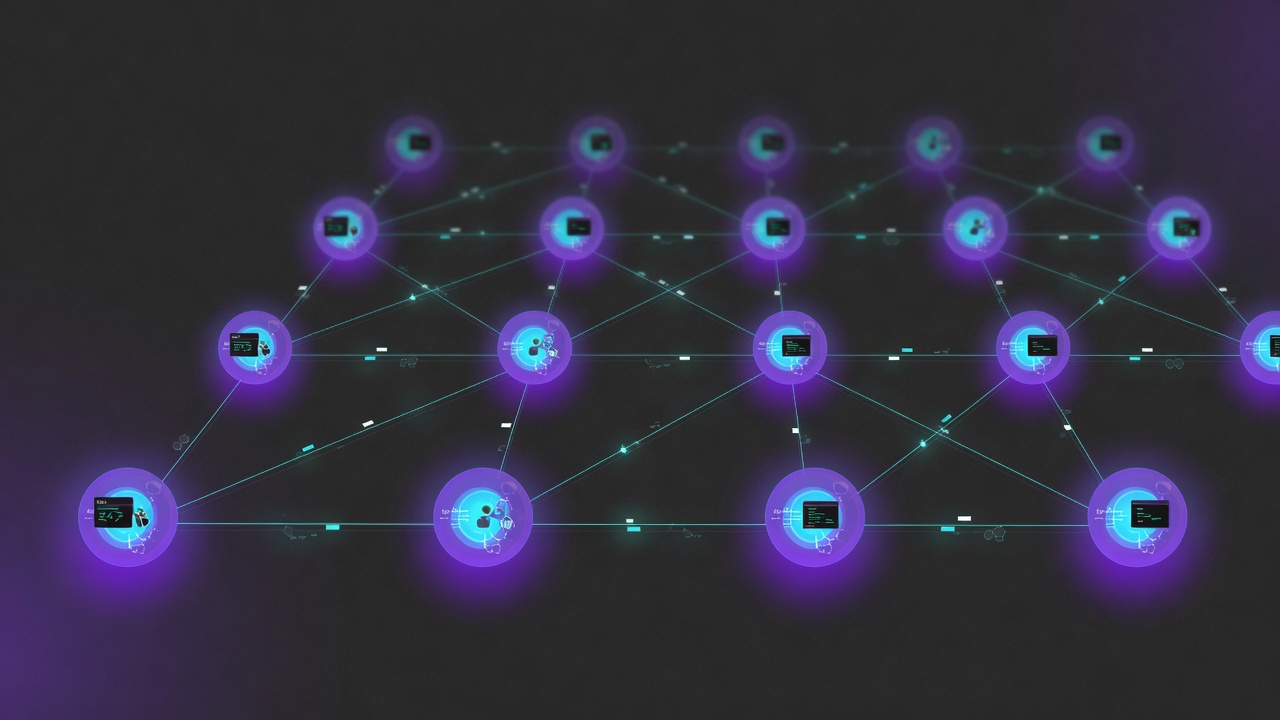
How do you run multiple AI coding agents without them stepping on each other?
Give each agent a non-overlapping unit of work — one feature, one directory, one branch — so two agents never edit the same file. Then put a shared account pool and a cost dashboard behind the whole fleet, because the bottleneck stops being any single agent's speed and becomes the rate-limit ceiling and bill they collectively burn. The coordination problem is solved by boundaries; the cost-and-stall problem is solved by pooling and telemetry.
That's the whole answer in two sentences. The rest of this guide explains why each half matters, what most developers try first, and where the approach breaks.
Why are developers running several agents at once now?
A year ago, "use an AI coding agent" meant one chat window doing one thing while you watched. The shift in 2026 is that agents now run unattended for minutes at a time — Claude Code, OpenAI Codex, Cursor's agent mode, Cline, Aider — and once an agent can work without supervision, the natural next move is to start a second one. Then a third.
The pattern shows up everywhere developers gather. A long-running Hacker News thread on parallel agent workflows is full of practitioners describing three-to-six concurrent agents as routine, each on its own git worktree or branch. The economics are obvious: if an agent costs you attention only at the start and end of a task, running four of them quadruples throughput for roughly the same human supervision budget.
There are three common shapes this takes:
- Fan-out within one tool — a parent agent spawns sub-agents (Claude Code's Task tool, for instance) to parallelize reviews, fixes, or research across a codebase.
- Multiple top-level sessions — you open four terminal tabs or four editor windows, each running its own independent agent on a different feature.
- Mixed-tool fleets — Codex on one service, Claude Code on another, Copilot's agent on a third, because different tools suit different jobs.
All three deliver real speed. All three introduce two failure modes that a single agent never had: agents colliding on shared state, and the combined load hitting a wall you provisioned for one worker.

What goes wrong when two agents edit the same files?
The coordination problem is the one that bites first, and it's mechanical, not philosophical. Two agents working the same repository do not share a mental model of the codebase. Agent A reads src/Auth/Login.php, plans an edit, and starts writing. Agent B read the same file 40 seconds ago, planned a different edit, and writes second. Whoever saves last wins, and the loser's change is silently gone — or worse, partially merged into a state neither agent intended.
Git does not save you here by default. If both agents work in the same working tree, there's no merge step — the second write just overwrites the first on disk. Even on separate branches, two agents refactoring the same shared utility produce conflicting diffs that a human has to untangle later, which erases the time the parallelism was supposed to save.
The symptoms look like this in practice:
- Two agents touch the same file; the last writer clobbers the first. No conflict marker, no warning.
- One agent renames a function another agent is mid-way through calling. The second agent's next edit references a symbol that no longer exists.
- Both agents update a lockfile or a generated artifact, and the resulting state matches neither agent's intent.
- A human spends 20 minutes reconstructing what each agent meant to do — longer than running the tasks serially would have taken.
The collision rate scales with how much the agents' work overlaps. Two agents on genuinely separate services almost never collide. Two agents on the same module collide constantly. The variable you control is the boundary.
The one-agent-per-feature discipline
The single most effective rule for multi-agent work is to assign each agent a unit of work that does not overlap another agent's unit. The cleanest boundary is a feature on its own branch in its own worktree. git worktree gives each agent a separate checkout of the same repository, so file writes never land on the same inode, and each agent's commits stay isolated until you deliberately merge them.
Concretely, before you start the fleet:
- Partition by directory or service. Agent A owns
src/Billing/, Agent B ownssrc/Search/. Pick boundaries with no shared files. Shared utilities are the danger zone — if a task needs to touch a common helper, that task is not safe to parallelize and should run alone. - One branch and one worktree per agent.
git worktree add ../agent-billing feature/billinggives Agent A its own tree. Collisions become impossible at the filesystem level; conflicts surface only at merge time, where git is designed to handle them. - Define "done" before dispatch. Each agent needs a testable completion criterion. "Improve the search module" is not a boundary; "add faceted filtering to
SearchController, tests passing" is. - Serialize the merges. Agents work in parallel; you integrate their branches one at a time, running the test suite between each merge. Parallel work, serial integration.
This is the same discipline a well-run team of human developers already follows — feature branches, clear ownership, integration through review. AI agents need it more, not less, because they have no peripheral awareness that a colleague is editing the file next to them. One agent per boundary keeps the parallelism real instead of turning it into merge cleanup.
If you're already running a fleet and watching it stall on rate limits, that's the second half of the problem — and Balanced Mode is the structural fix: download free and try it, no credit card needed.
Why does the rate-limit and cost wall hit fan-outs hardest?
Here's the part most people discover the expensive way: coordinating the edits doesn't help if the whole fleet is drawing from one account's ceiling. Rate limits and billing are enforced per account, not per agent. Four agents on one Claude.ai account share one rolling 5-hour window, one weekly cap, and one tokens-per-minute (TPM) bucket. The parallelism you carefully arranged at the filesystem level collapses back into a queue at the API level.
The math is unforgiving. A single agent loading a real project's context — system prompt, tool definitions, the rendered CLAUDE.md and AGENTS.md files, path-scoped rules — often carries 15K to 50K tokens before its first response. Run four of those concurrently and you're pushing well over 100K tokens per minute through a bucket sized for one worker. The TPM ceiling trips, the API returns 429 with a Retry-After header, and agents start backing off into each other.
The failure cascade looks like this:
- Four agents dispatch their first turns inside the same 60-second window.
- The combined token rate crosses the per-minute ceiling. The third and fourth agents get 429s.
- They retry after the suggested delay — into the same exhausted bucket. They 429 again.
- Meanwhile the 5-hour rolling window is filling fast. One ambitious morning of four-agent work can starve the account by early afternoon.
- The fleet degrades to a trickle. The throughput you ran four agents to get is gone, and you've spent tokens on retries that produced nothing.
This is the loudest complaint in the Claude Code community, and Anthropic has acknowledged limits are being hit faster than users expected. Cached reads make it worse to reason about — caching lowers the price of repeated context but does not reduce the rate-limit pressure, because cached input still counts against TPM. The bill arrives separately. Developers have reported surprise charges from overnight agent runs they thought were idle. With a four-agent fleet, the cost accumulates four times as fast, and without a live dashboard you find out at month end.
The cost dimension matters as much as the stall. The pain points developers cite most are not just "I got rate-limited" but "I'm paying for a service I can't use" and "I got a surprise bill from a script I left running." A fleet amplifies both: more agents, more concurrent spend, more ways to blow through a window or a budget you didn't watch.
How do you keep a fleet of agents from stalling or surprising you on cost?
Two structural moves, in this order: pool the accounts you already own, and put a cost dashboard in front of the whole fleet.
Pool the accounts. Most working developers already have two to four Claude.ai accounts — a personal Pro, a work Pro or Max, sometimes a second for experiments. Each carries its own independent 5-hour window, weekly cap, and TPM bucket. Routing each agent's traffic to a different account turns four requests against one ceiling into four requests against four ceilings. The effective rate-limit headroom becomes the sum of the pool, and the parallelism you arranged at the filesystem level finally has matching parallelism at the API level. When one account hits its wall, the router moves new work to a healthy one rather than retrying into the exhausted bucket.
Smart routing is the part that separates a pool that holds up from one that collapses. A naive round-robin can ping-pong between two near-capped accounts, 429ing on both. A budget-aware router estimates each account's projected remaining headroom before placing a request, so it avoids accounts about to hit their ceiling and queues behind whichever will free up soonest. The result is graceful degradation under heavy load instead of retry chatter.
Make the spend visible. A per-account, per-model, per-session dashboard tells you which agent is burning the most, whether you're paying Opus rates for Haiku-level work, and how close each account is to its window. The difference between a fleet you control and a fleet that surprises you is whether you can see the spend accumulating in real time instead of reading it off an invoice.
| Approach | Throughput | Rate-limit ceiling | Cost visibility |
|---|---|---|---|
| One account, serial agents | 1× | Single window | Low — manual tracking |
| One account, parallel fleet | Stalls on 429 | Single window, exhausted fast | Low — surprise bills |
| Pooled accounts, naive round-robin | High until ping-pong | Sum of pool, fragile | Medium |
| Pooled accounts, budget-aware router + dashboard | High, sustained | Sum of pool, graceful | Live per-account/model/session |
Balanced Mode does the routing, the watchdog recovers stalled sessions, and the usage dashboard shows every dollar — the 14-day Premium Trial is $0 today, cancel anytime before day 15.
A realistic multi-agent workflow that holds together
Put the two halves together and a four-agent session looks like this. You partition the work: Agent A on the billing service, Agent B on search, Agent C writing tests for both, Agent D updating docs. Each gets its own git worktree and branch, so no two writes ever land on the same file. You define a testable "done" for each before dispatching.
Behind all four, a budget-aware router places their traffic across your four Claude.ai accounts. Agent A draws from account 1, B from account 2, and so on. Each account sees a single agent's normal load instead of a four-way stampede. When account 2 warms up mid-session, the router shifts B's next turn to a cooler account rather than 429ing. A dashboard shows you that account 3 is at 60% of its window and the docs agent is the cheapest of the four.
The agents finish on their branches. You merge them one at a time, running tests between each, and the credit you wrote in test-coverage rules catches the one place Agent A's billing change brushed against Agent C's test fixtures. No clobbered files, no exhausted account, no surprise bill. The parallelism stayed real from the filesystem to the API to the integration step — which is the entire point of running a fleet.
Frequently asked questions
How many AI coding agents can I realistically run at once?
The filesystem limit is high — you can run a dozen agents on a dozen worktrees without collisions if the boundaries are clean. The practical limit is your rate-limit ceiling and your ability to review the output. On a single account, three or four concurrent agents will saturate a per-minute bucket on most real projects. With a pool of four accounts and budget-aware routing, you can sustain that fleet because each agent draws from a separate ceiling. Review capacity, not concurrency, usually becomes the real cap.
Should each agent work on its own git branch?
Yes, and ideally its own worktree. Separate branches keep each agent's commits isolated, and a separate git worktree checkout means two agents never write to the same file on disk. This converts the dangerous "last writer wins" collision into an ordinary merge conflict that git is designed to resolve, and that you handle at integration time rather than discovering as silent data loss. Work in parallel, integrate serially.
Why do my agents hit rate limits faster when I run several at once?
Because rate limits are enforced per account, not per agent. Several agents on one Claude.ai account share a single rolling 5-hour window and a single tokens-per-minute bucket. Each agent's context load — system prompt, tool definitions, project rules — stacks against that one ceiling, so the combined throughput trips the TPM limit and the API returns 429s. The fix is to distribute the agents across multiple accounts so each draws from its own independent ceiling.
Does prompt caching let me run more agents before hitting a limit?
No. Caching lowers the billed price of repeated context, but cached input still counts against your tokens-per-minute ceiling. An agent reading 30K cached tokens per turn is still drawing 30K tokens through the per-minute bucket. Caching saves money over a long session; it does not give you more rate-limit headroom to fan out further. To run more agents concurrently you need more accounts in the pool, not more cache hits.
How do I avoid surprise bills from a fleet of agents?
Watch the spend in real time instead of reading it off a monthly invoice. A fleet accumulates cost as fast as it has agents, and overnight or unattended runs are the common source of surprise charges. A per-account, per-model, per-session dashboard shows you which agent is burning the most and how close each account is to its window while the work is happening. Set a budget you check, not a bill you receive.
Closing CTA
Running multiple AI coding agents is worth it — the throughput is real when the parallelism is real. Keep it real at every layer: one agent per non-overlapping boundary so edits never collide, a pooled set of the accounts you already own so the fleet doesn't stall on one ceiling, and a dashboard so no run surprises you. The discipline is yours to enforce; the rotation extension we ship handles the routing, recovery, and cost visibility.
The 14-day Premium Trial is $0 today — Balanced Mode, the session watchdog, and usage analytics included, cancel anytime before day 15. Prefer to start without a card? Download free: the 7-day trial includes full Pro access, no credit card required.
References
- Hacker News — discussion on running multiple AI coding agents in parallel
- Credentials (Substack) — the AI coding tool I actually use
- Anthropic — API rate limits documentation
- DevClass — Anthropic admits Claude Code users hitting usage limits faster than expected
- dev.to — what happened when I got a surprise $80 Claude bill